 Sound Script
Open
Sound Script
Open
Sound Script
Open
Sound Script
Open
Import a PDF, mark it up with purpose-built theatre sound tools, then run your show directly from the app.


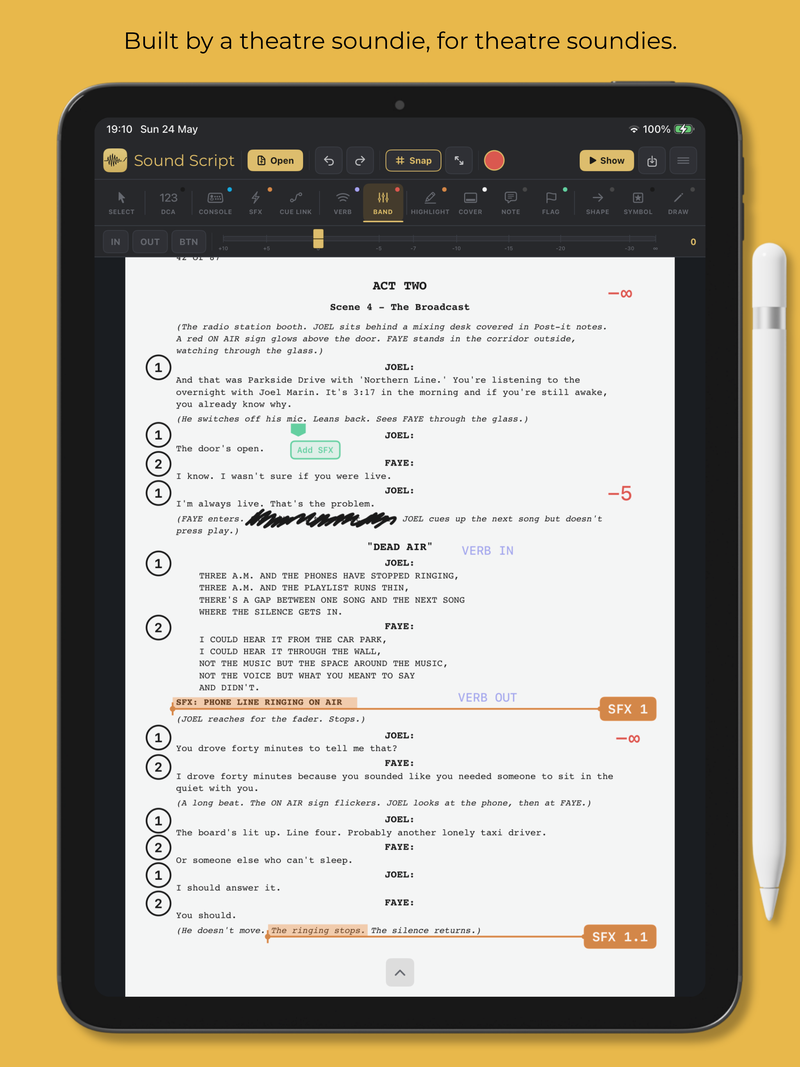
Sound Script gives you the markup tools you actually use at the console, right on your script.

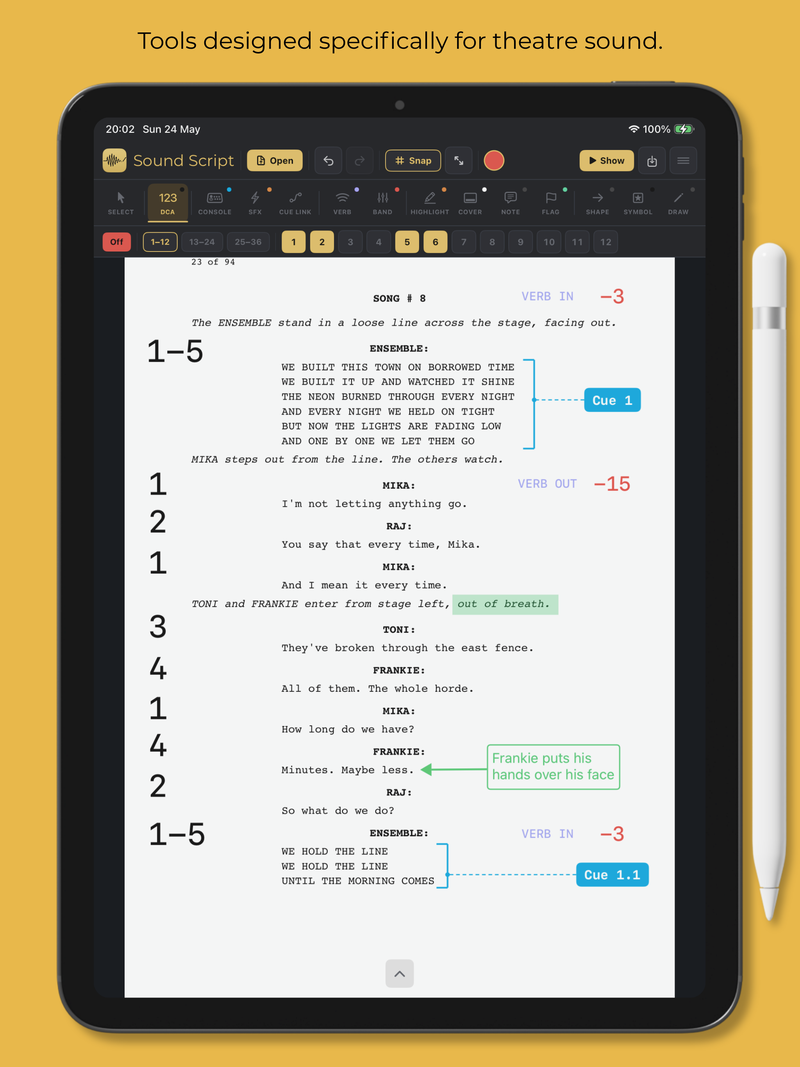
Mark DCA assignments right where they happen in the script. Plain or circled numbers. Independent On and Off layers.
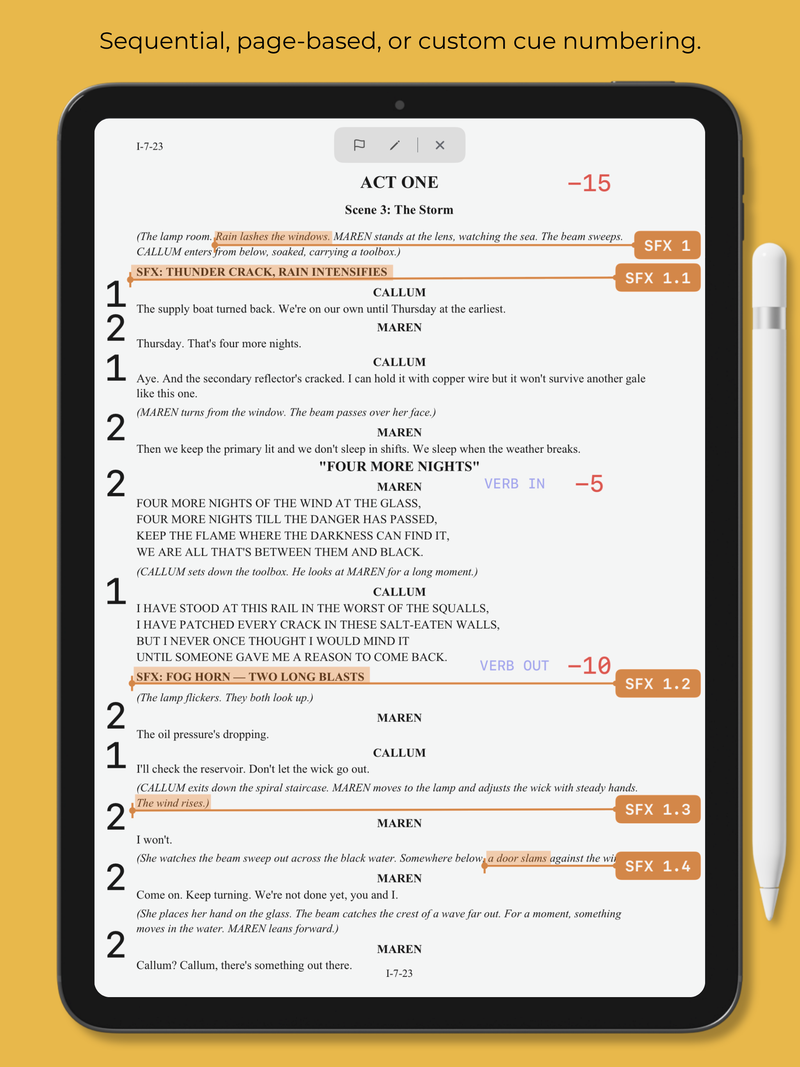
Place and number your console cues directly on the script. Sequential, page-based, or custom.
A separate cue track for your QLab or playback system, independent of your console cues.
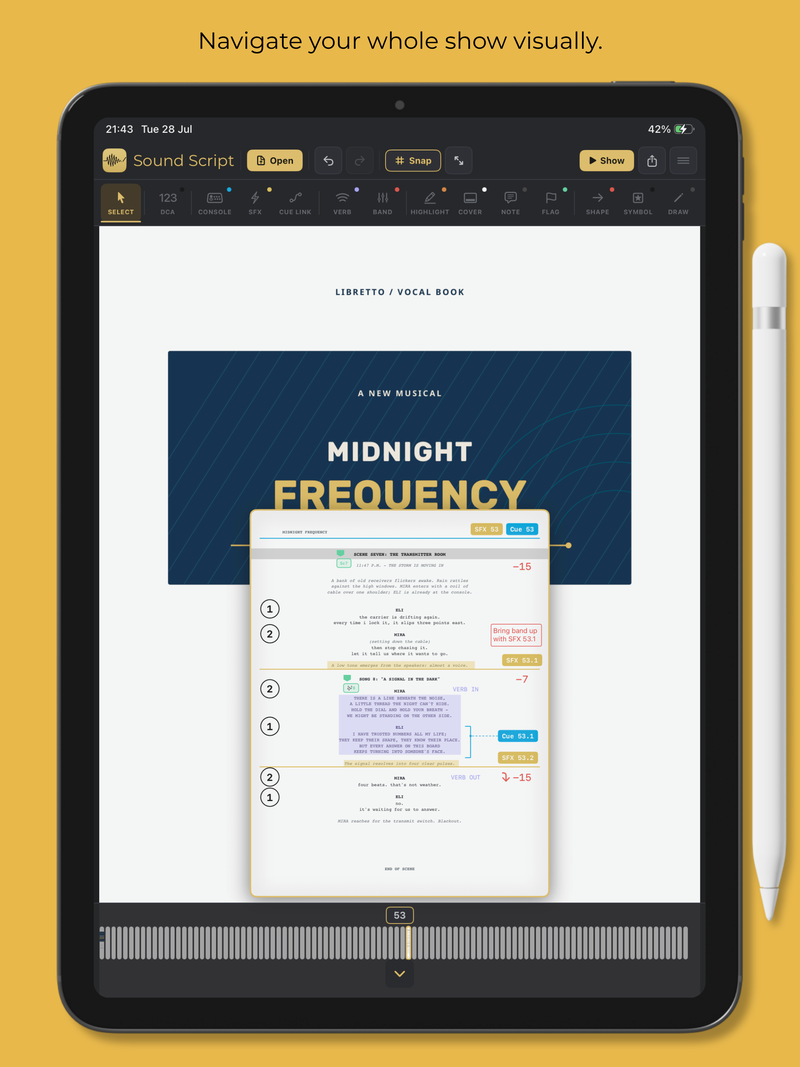
Draw lines or brackets from cues to their exact go-points, or place a full-width Break beneath the cue.
Mark reverb in and out points, or level changes as needed.
Place fader-level markers where band levels change. Pair with symbols for swells and fades.
Colour-mark dialogue, lyrics, or stage directions so they stand out at a glance.
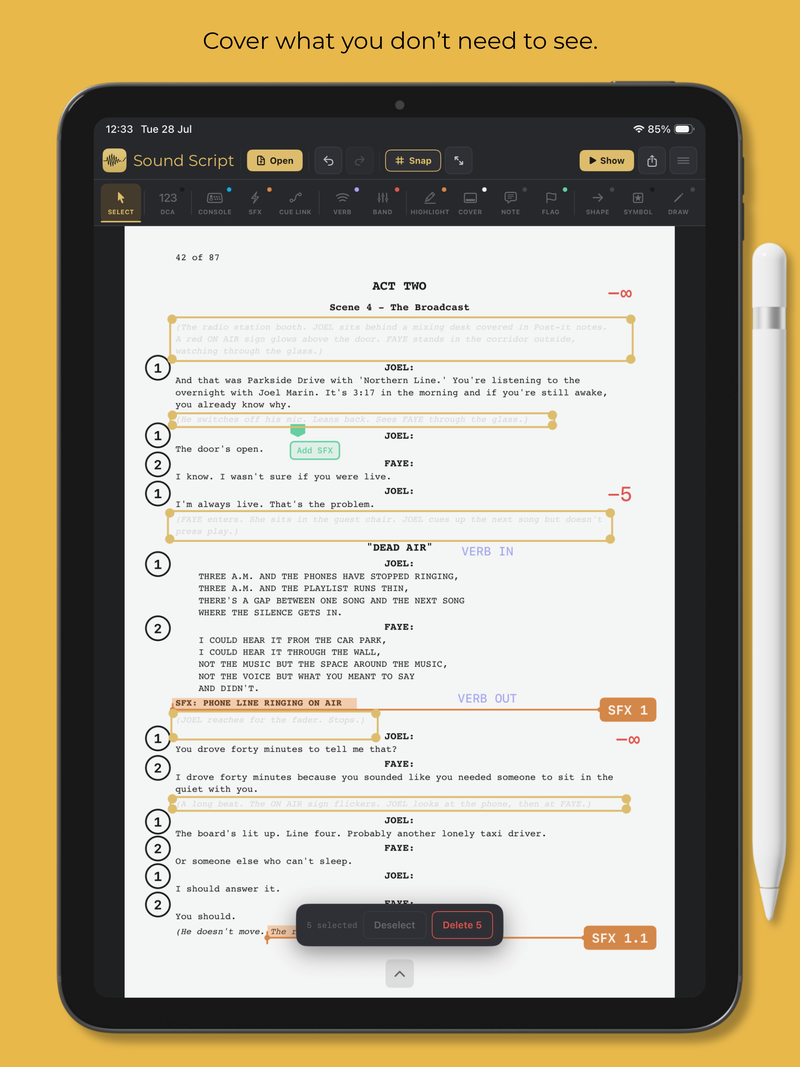
Hide stage directions, scene notes, or anything else you don't need to see. See-through while you edit, solid in Show Mode and exports.
Floating text notes for reminders, warnings, or operator instructions. Plain text or boxed.
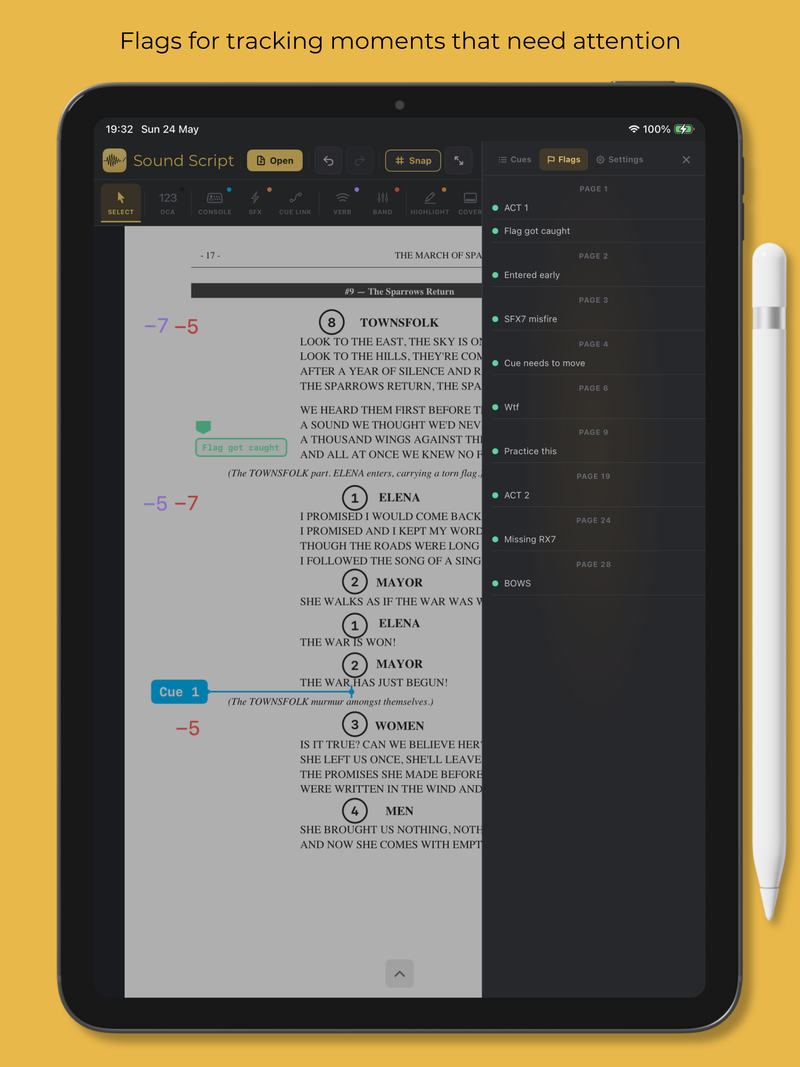
Drop colour-coded markers at key moments. Open the Flags list to jump straight back.
Rectangles, circles, lines, arrows and brackets.
Standby and go markers, mic kills, swell and fade arrows.
Sketch, underline, write, or scribble. Thin, medium or thick stroke widths. Use the eraser to clean up.
Tap any annotation to select. Move, resize, edit, or delete from the selection bar. Multi-select for bulk changes.
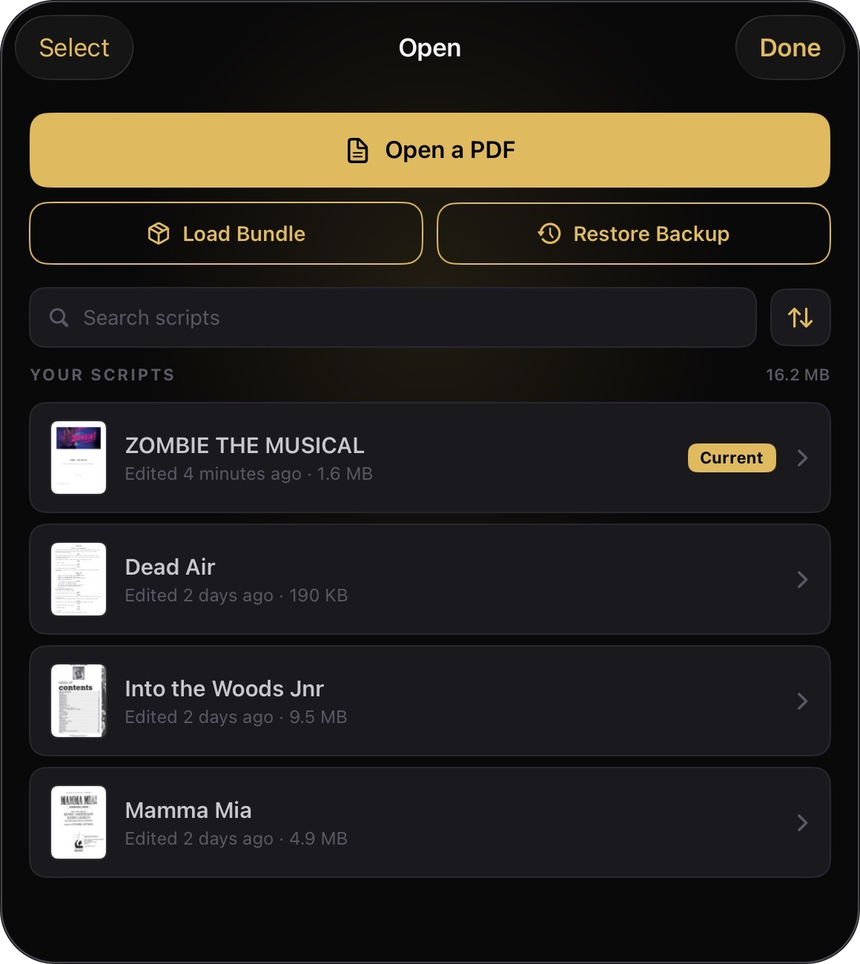
Your Scripts library, all in one place. Open a PDF, load a Bundle or restore a backup.
Move backward or forward through every annotation you’ve made.
Bring the full page back into view with one tap.
Switch to a clean, full-screen performance view when it’s time to run the show.
Jump between Cue List, Flags and Settings without leaving your script.
Keep your markup clean by snapping annotations into alignment.
Choose from 12 colours for your markup.
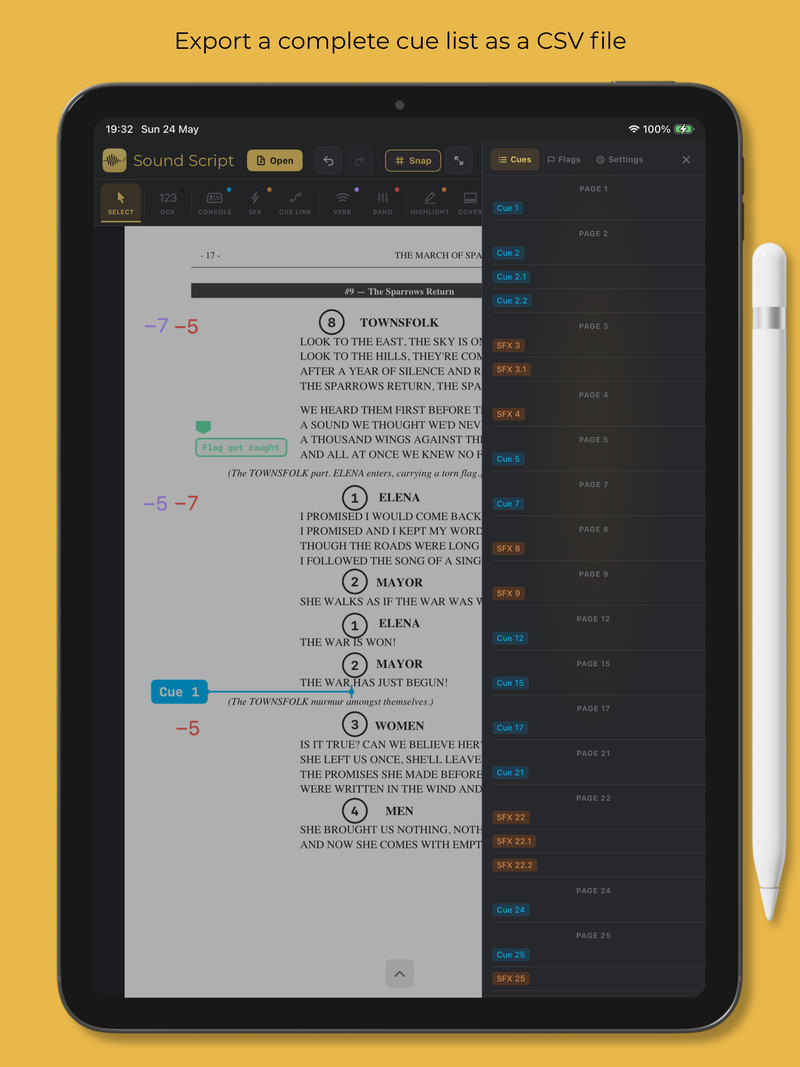
Share a cue list, baked PDF or fully editable Sound Script Bundle.
See it in action. Swipe through.
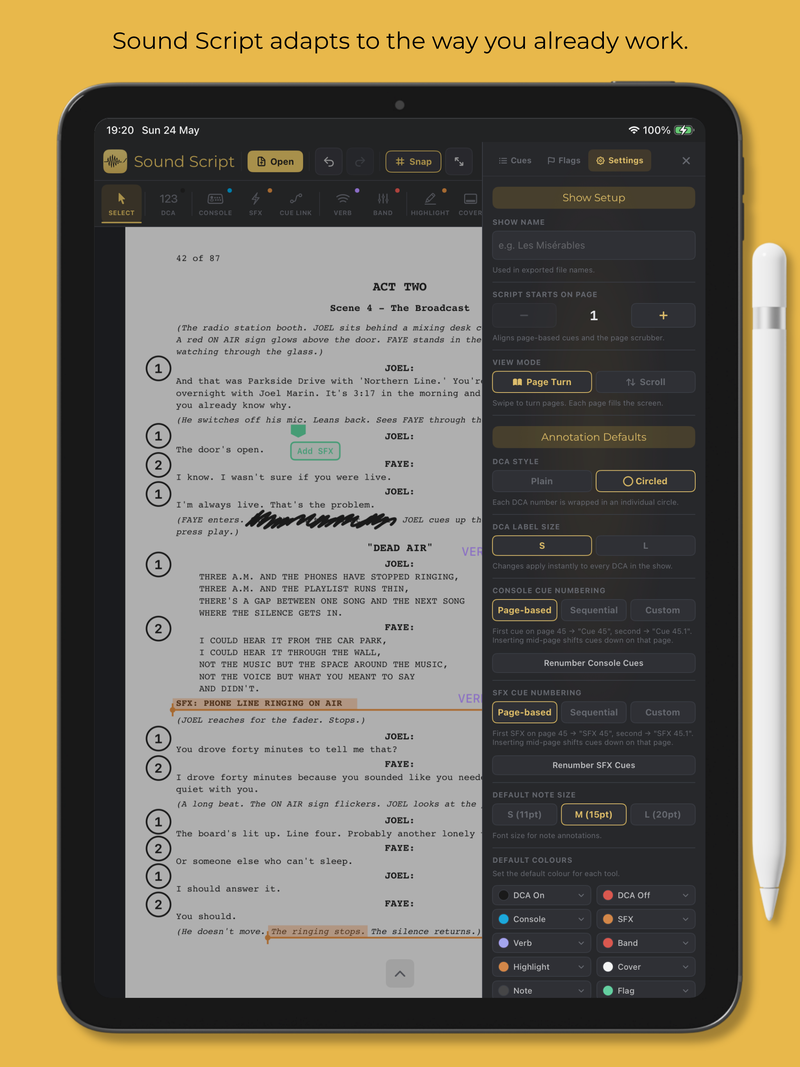
When it’s showtime, hit “Show” and focus on the mix.
Full-screen performance view, with editing tools hidden. Just the script, your markup and the next cue. Flags and Draw remain available for live notes with auto-timeout.

Keep your hands on the desk where they belong.
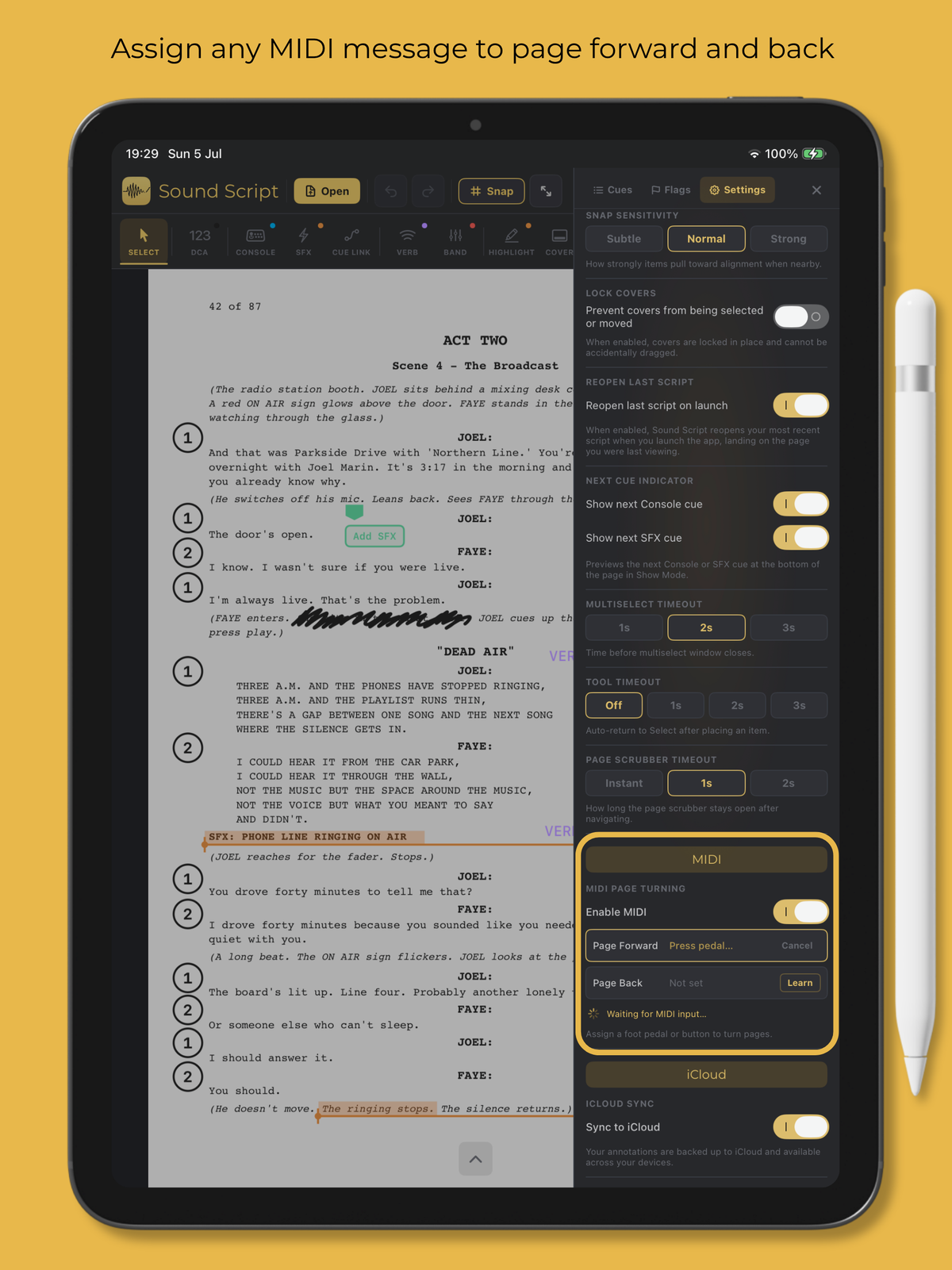
Built-in Learn function. Assign any MIDI message to page forward or back. Works with foot pedals, console buttons, or any MIDI controller.
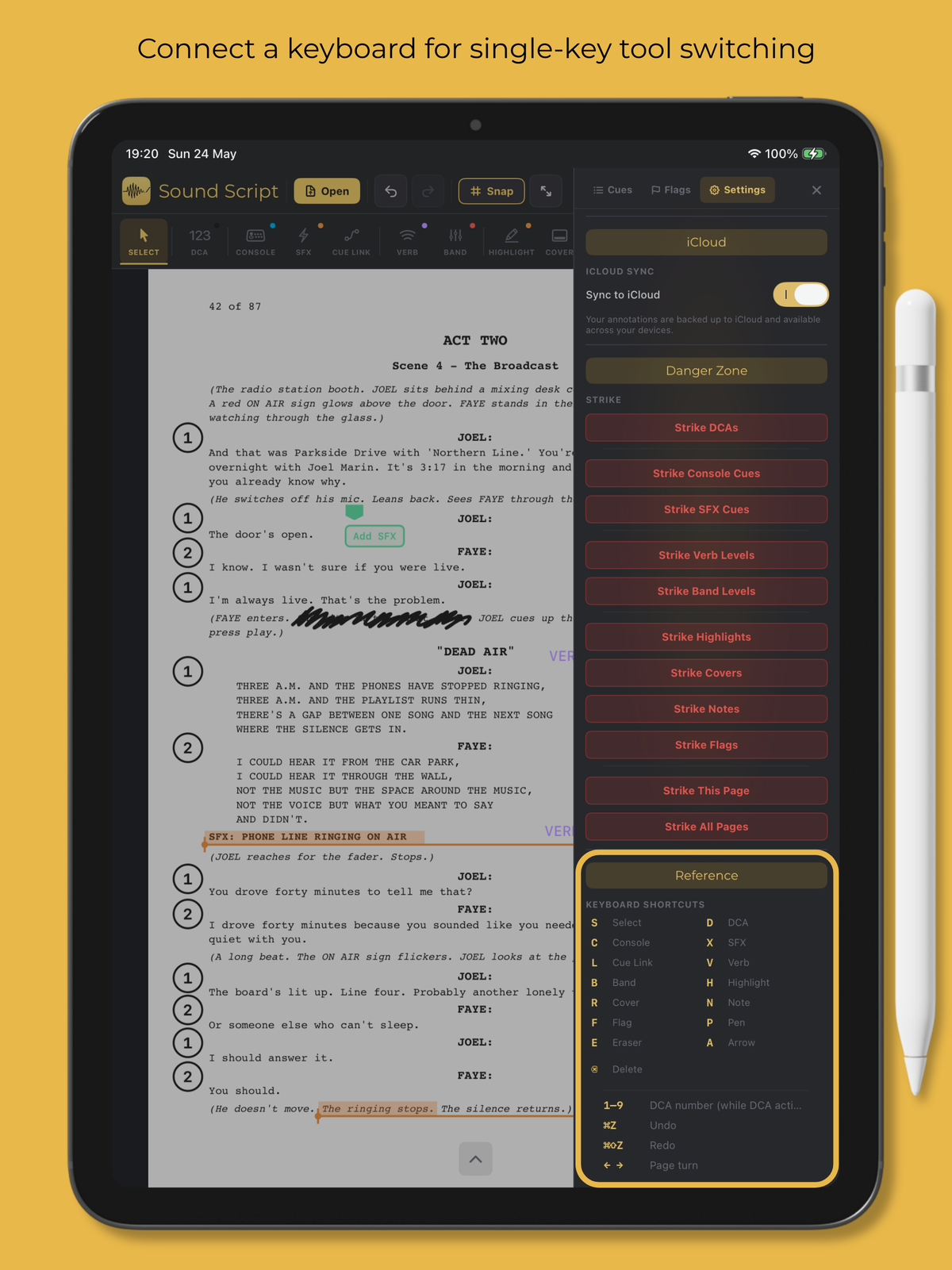
Connect a hardware keyboard for single-key tool switching and fast DCA toggles.
One home for every show.
Every script, together in one place. Rename, duplicate, share or delete without leaving the app.
Swipe →
Quiet features that make the difference.
Snap-align annotations to nearby items so your markup stays tidy.
Export CSV cue lists, baked PDFs, or fully editable Sound Script Bundles.
Custom cue labels, tool colours, note sizes, symbol styles, DCA display options, and Show Mode preferences.
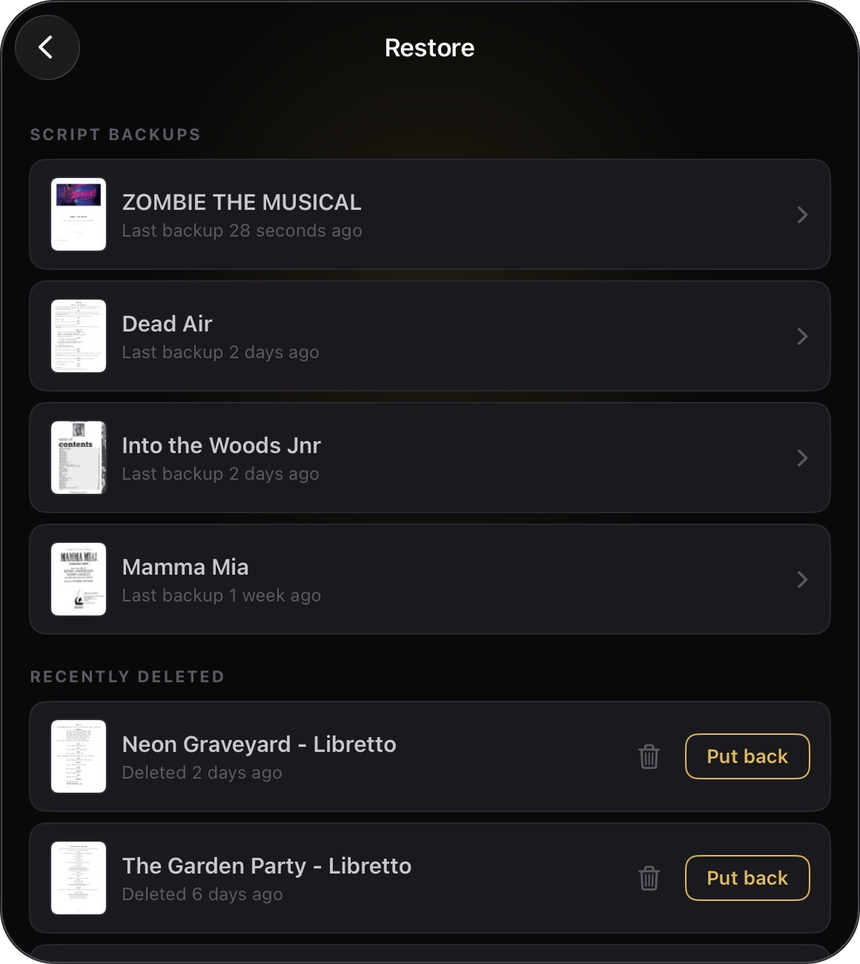
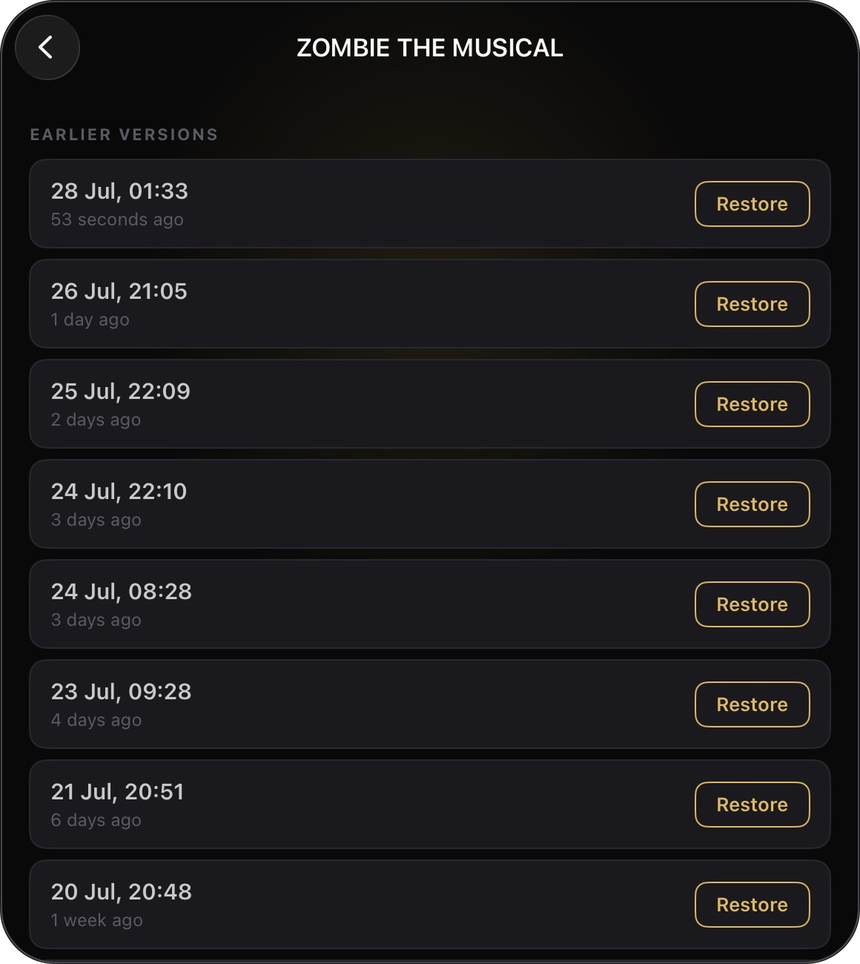
Automatic backups let you restore earlier versions. iCloud keeps your scripts available across your iPads.
What Sound Script users are saying.
I’ve been raving about Sound Script to all my colleagues because it’s been incredible!
the app is awesome and something I think the industry has been in need of but not realised it yet
absolutely thrilled with the update! The older iPad runs flawlessly, and the ability to sync across devices is amazing. I love the cover transparency option
the whole process has been smooth sailing! The cue renumbering feature is an absolute game changer!
I got to use Sound Script more extensively this weekend during the shows, and honestly, it’s a pleasure to use!
My A1 really loves the ability to hide stage directions and the quick level of the band markings.
You’ve created a great product that fills a gap, and it’s highly appreciated.
I’m currently building my second show with Sound Script, and loving it.
My students will be using this going forward as it made everything so much smoother during our short tech process in the summer.
I just started using your app and I love it! Truly wish I would have found it sooner!
I think what you’ve done is wonderful. I love how quick it is to add DCAs and cues.
Well done on developing a great looking app for our sector

US$19.99 · One-time purchase. Yours forever · For iPad.
Requires iPadOS 18 or later. No accounts, analytics, tracking or advertising.